Product Information
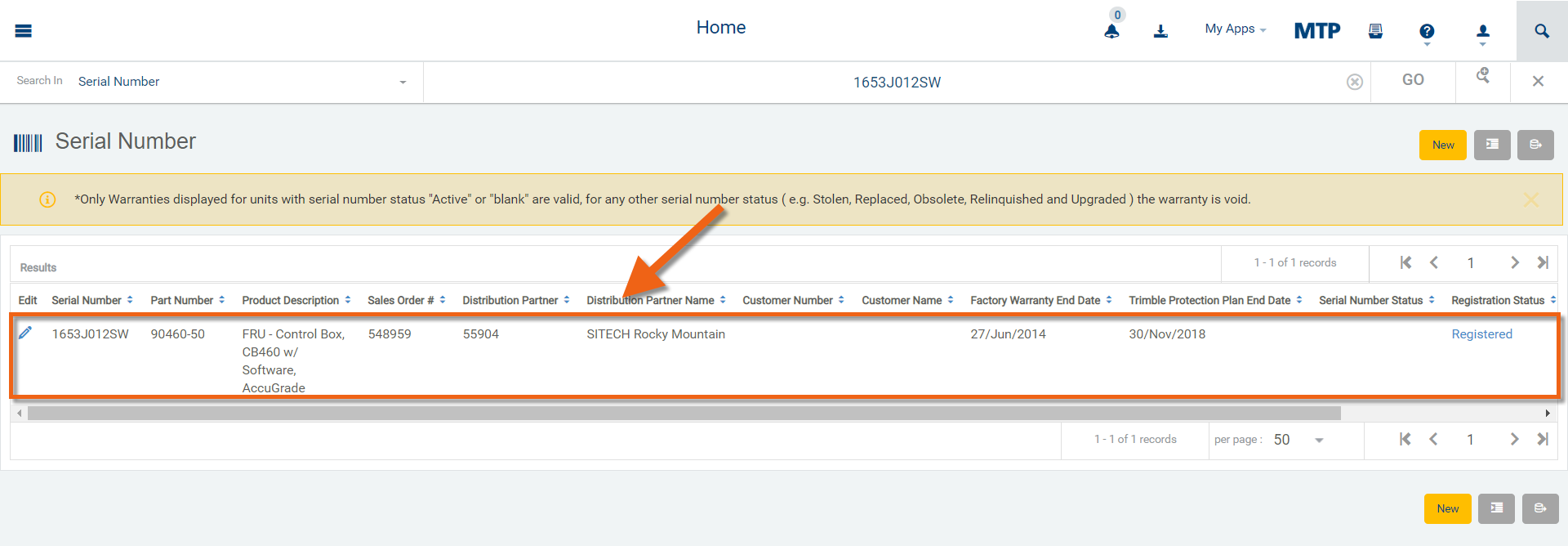
From the Home screen, Users can type a full or partial Serial Number into the "Start Searching" field and click "GO".

The User can type a partial or full serial number and after clicking "GO" the User can select from the results list.
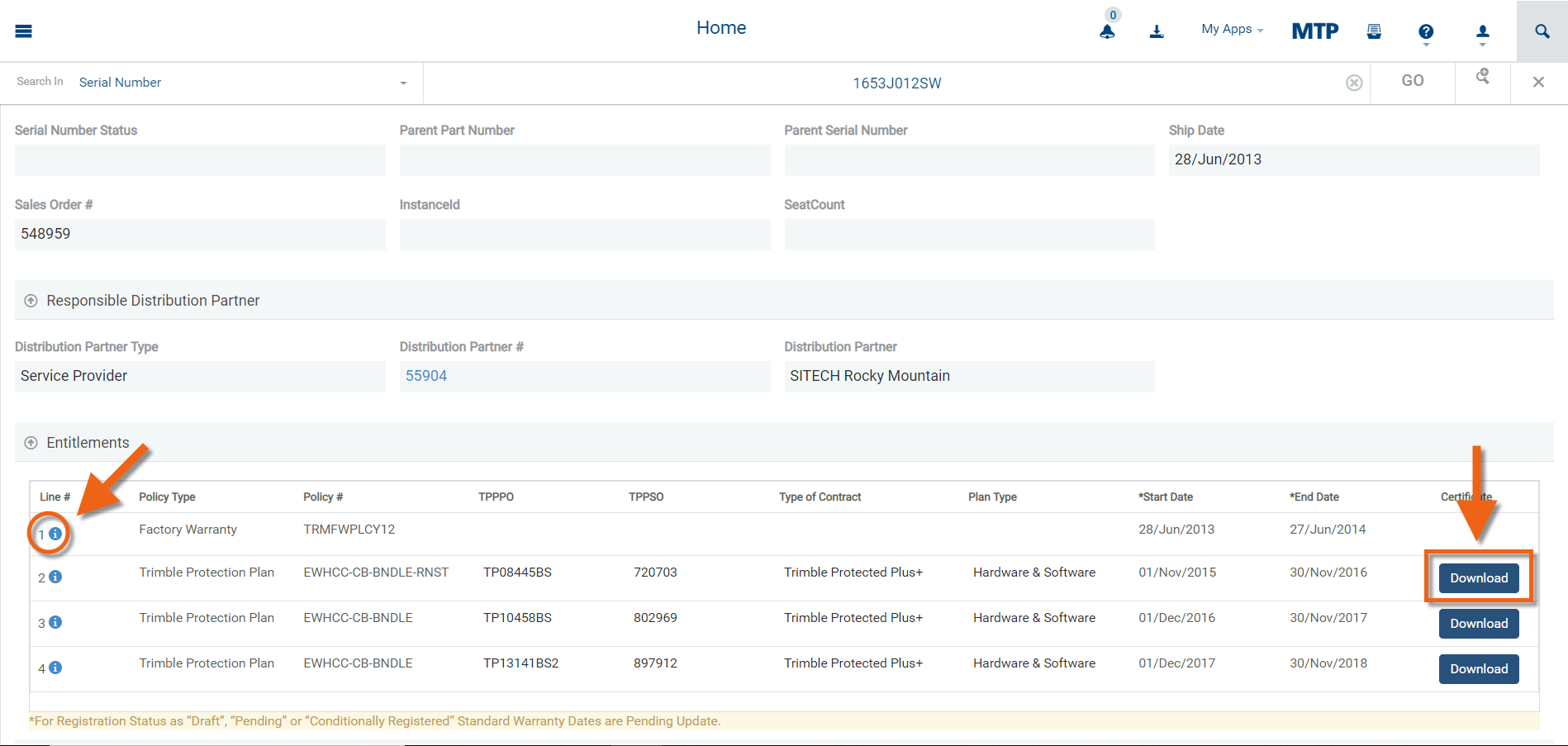
Click the information icon to view warranty details. The Download button will be visible to the Dealer who last sold the Trimble Protection Plan (if not expired).
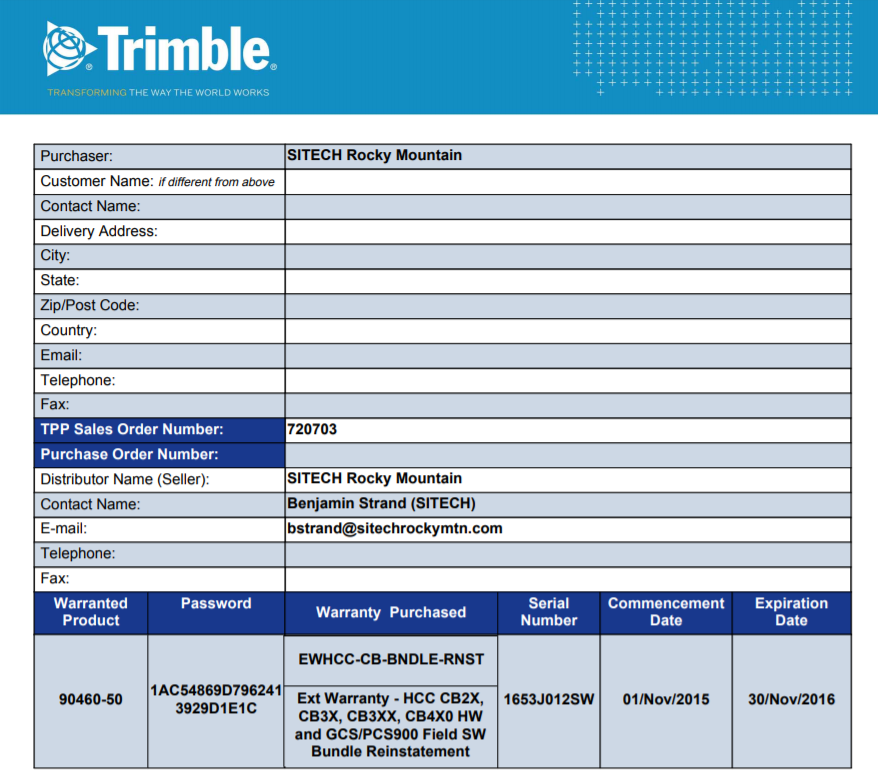
PDF Download example:
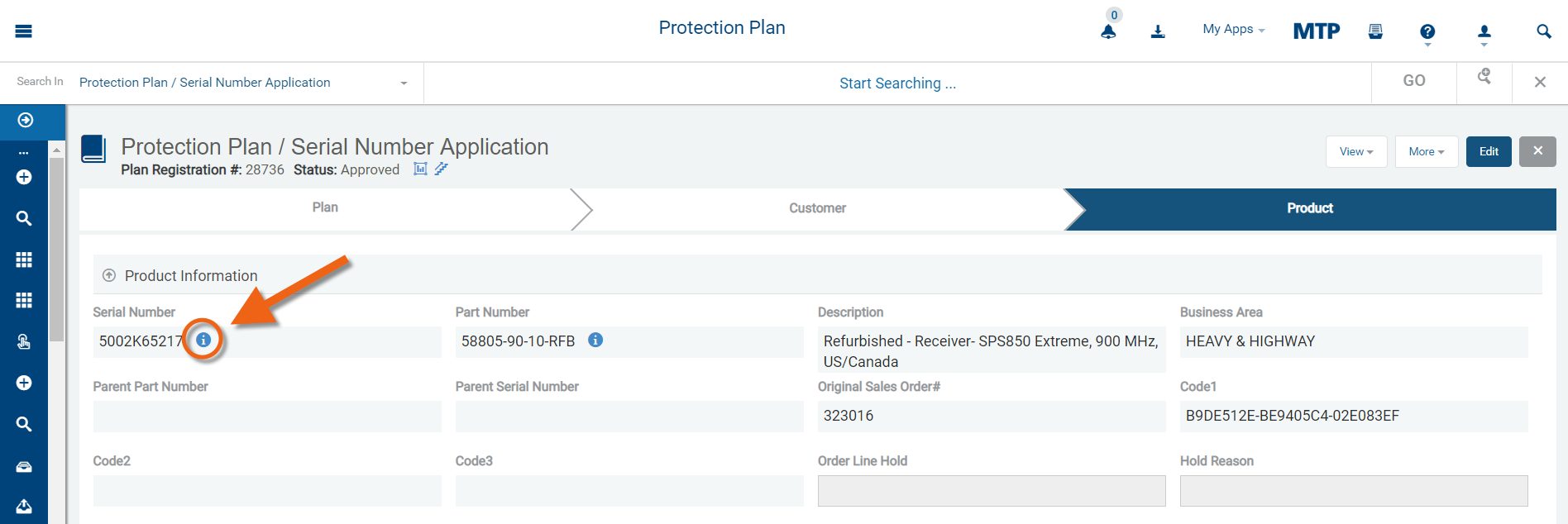
Additionally, Product Information is also accessible in the popup window by clicking the information icon next to the serial number from any screen in MTP.